Shutter Safety Interlock for a Catio in Home Assistant
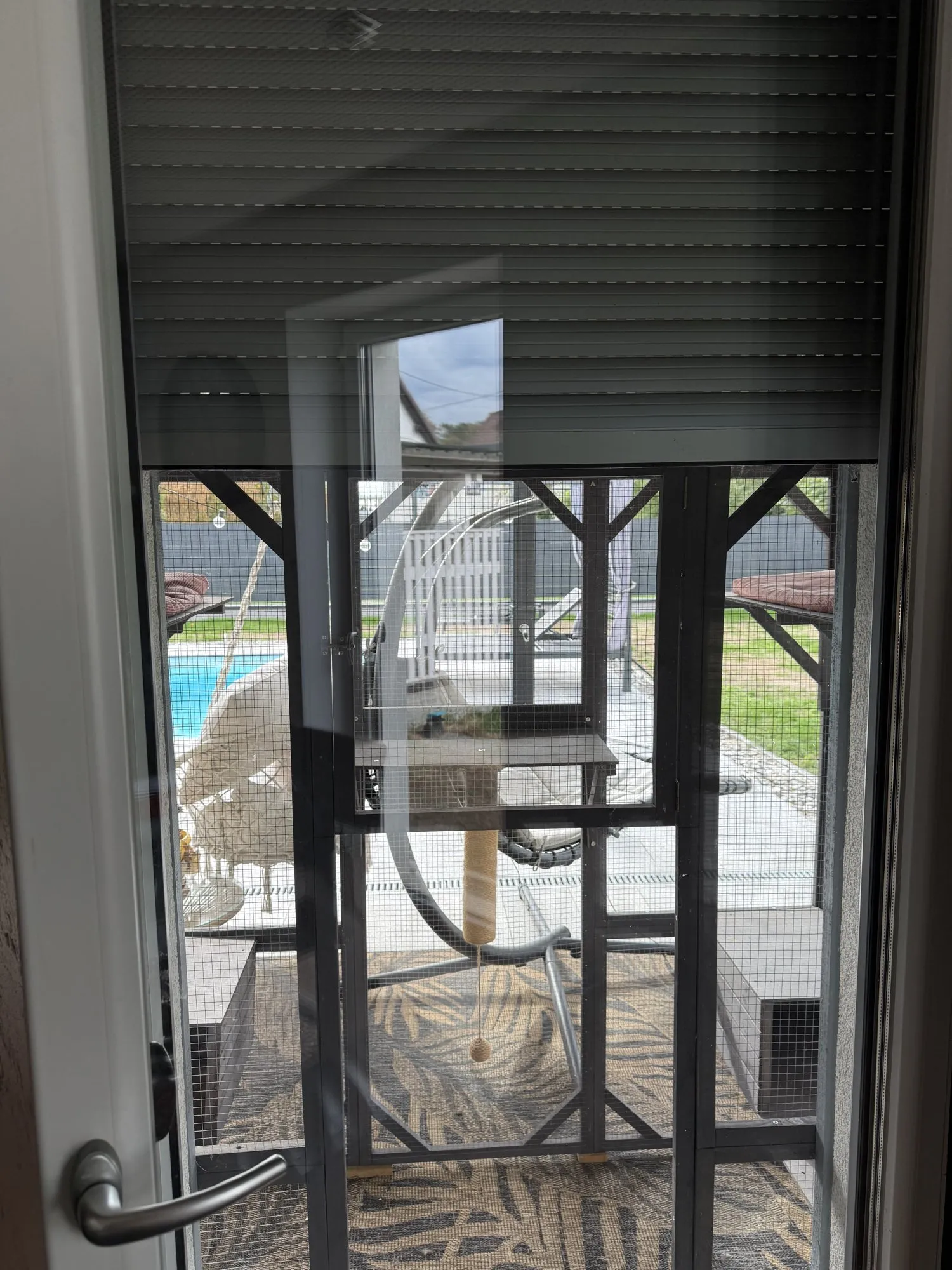
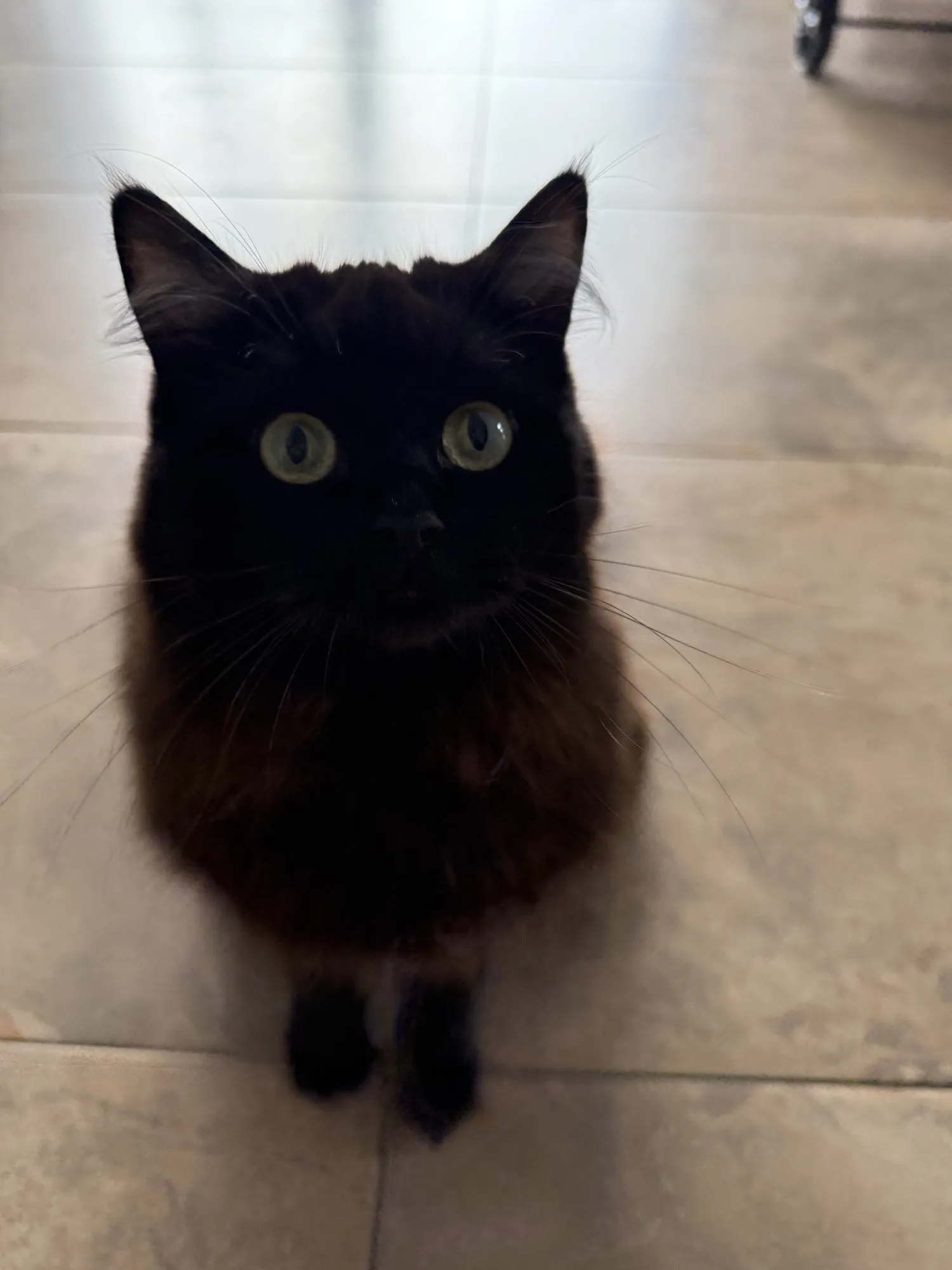
We have two cats, Alfie and Shaniqua, and since this year a catio — a mesh-enclosed run on the terrace that they reach through the dining-room door. So they can’t jump over the enclosure and out into the open, the roller shutter in front of that door sits half closed during the day: open enough at the bottom for a cat, shut at the top.
Then came the evening the shutter closed all the way while the door was open and both cats were out in the catio. Nobody had pressed anything. It was the perfectly ordinary 20:00 automation that closes all the living-room shutters — it had been running for months, and it knew nothing about cats. Alfie and Shaniqua sat locked out in the enclosure until someone noticed.
Nothing happened, apart from two offended cats. But it could have gone differently: a shutter coming down on a cat in the door frame is no joke. So: enough of that. There is now a safeguard that rules that out on principle. Not in the schedule. Underneath it.
Why not just fix the schedule
My first reflex was to add a condition to the 20:00 automation: “only close if the catio door is shut”. That would have solved the one case — and left every other one open.
Because this shutter can be closed from anywhere: the dashboard, a voice command, HomeKit, a script that closes all shutters, and the SOMFY remote directly. Guarding each of those paths individually means forgetting the next one you add.
A safeguard doesn’t belong in the triggers. It belongs behind all of them: whoever closes the shutter — if the door is open, it goes back up. Say ‘closed’ again. I dare you. That’s the logic of a garage-door light barrier, in software.
The parts involved
Two entities, both of which have been in my Home Assistant for ages:
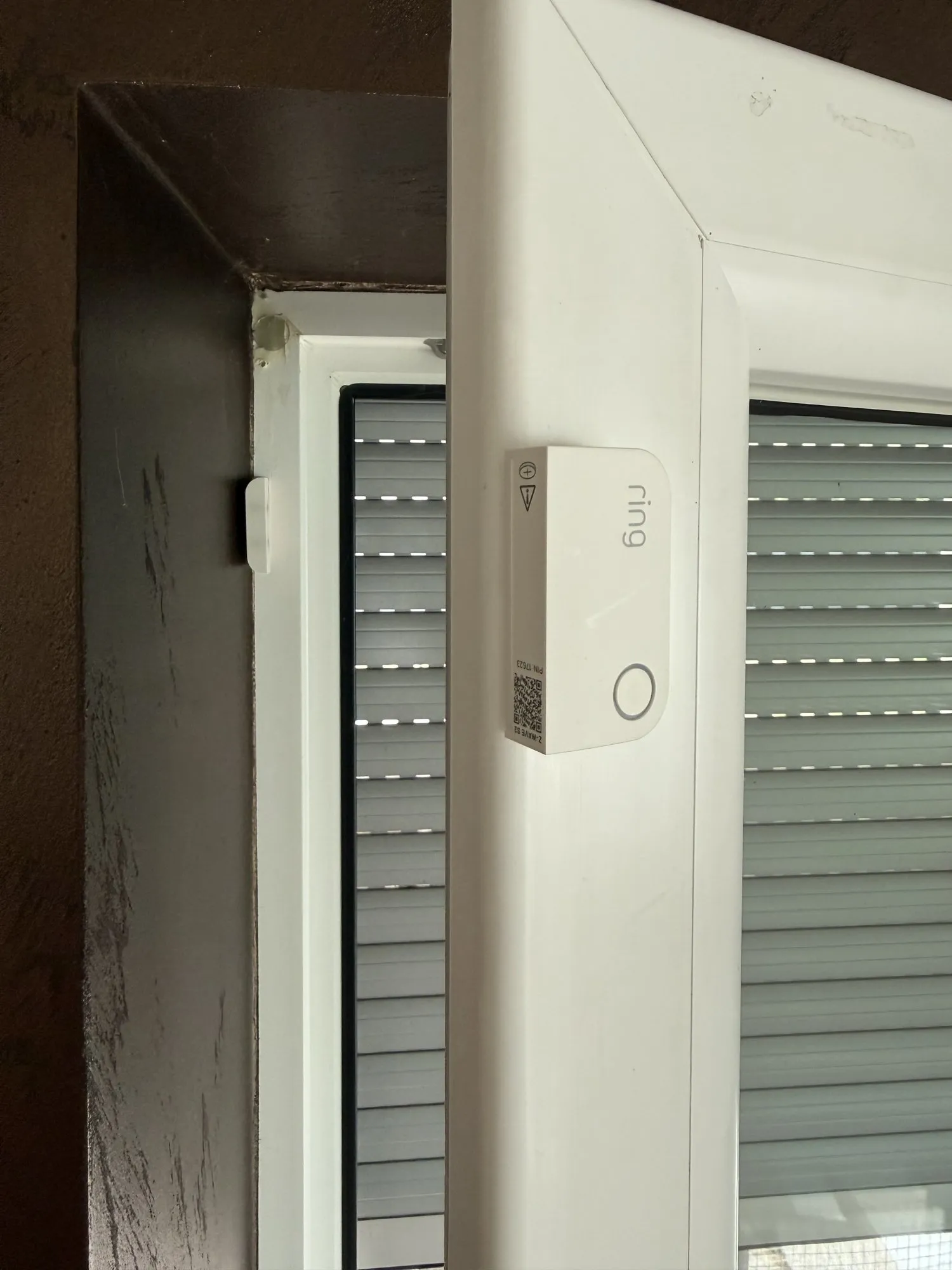
cover.rollo_lr_2— “Shutter 2 (Catio)”, a SOMFY RTS shutter driven via FHEM and a CUL.binary_sensor.dining_door_contact_1— the contact on the dining-room door. Not a Zigbee sensor: it’s the magnetic contact from my Ring alarm* (Z-Wave), which was on that door anyway.device_class: door, soonmeans open.
The second point matters to me: I didn’t buy a single sensor for this safeguard. The door was already monitored, just for a different reason.
The problem with RTS: there is no “closing”
Here’s the quirk that shapes the automation. SOMFY RTS is one-way radio. The
motor never reports back where it is. In Home Assistant the cover therefore
has assumed_state: true and knows only two states: open and closed.
There is no closing state to intercept, because HA sends the command and
simply assumes the result.
Which means: I can’t prevent the close. I can only reverse it, at the moment HA believes the shutter is closed — which in practice is the moment the command goes out, not the moment the shutter reaches the bottom.
In the end that’s good enough: the shutter takes about 20 seconds to travel all the way down. Stop and open arrive within a second or two of the close command. In practice it moves down a little, thinks about it, and comes back up.
The automation
This is what runs at my place, unchanged:
alias: "Catio safety - reverse Shutter 2 close while catio door is open"
description: >-
  Hard safety interlock. Shutter 2 (Catio) must never end up closed while
  the catio door is open - a cat can be caught by the shutter or locked
  outside. Catches closes from ANY source (dashboard, scripts, schedules,
  voice, HomeKit), stops and re-opens the shutter, then notifies.
triggers:
  - trigger: state
    entity_id: cover.rollo_lr_2
    to: "closed"
    # assumed_state: true — no 'closing', jumps straight open → closed.
conditions:
  - condition: state
    entity_id: binary_sensor.dining_door_contact_1
    state: "on"
    # device_class door: 'on' = open. Door open → closing is unsafe.
actions:
  - action: cover.stop_cover
    target:
      entity_id: cover.rollo_lr_2
    # Halt first, then reverse direction.
  - action: cover.open_cover
    target:
      entity_id: cover.rollo_lr_2
  - action: notify.send_message
    target:
      entity_id: notify.renes_iphone_2
    data:
      title: "Catio shutter blocked"
      message: >-
        Shutter 2 (Catio) started closing while the catio door was open.
        Stopped it and re-opened the shutter.
mode: restart
Four decisions that aren’t accidental:
Trigger on closed, not on the command. Because, for the reason above,
there is nothing else. If you have a shutter with a return channel
(io-homecontrol, Shelly, a Zigbee motor), react to closing instead — then
the shutter genuinely stops mid-travel.
stop_cover first, then open_cover. A SOMFY motor that’s traveling
down and receives an open without a stop doesn’t always respond cleanly.
Stop, then change direction, is what the remote does too.
mode: restart. If a script closes the shutter twice in quick
succession, the safeguard shouldn’t finish its first reaction and ignore the
second. It starts over every time.
The push notification. Not as an alarm, but as a heads-up that some automation or person tried to close the shutter while the cats were out. That’s the information I needed on the evening it happened.
What the safeguard can’t do
Honestly, so nobody overrates it:
- It doesn’t prevent, it corrects. The shutter moves a bit. If a cat is sitting in the door frame in exactly that second, it briefly has the shutter on its back. With RTS there is no better version of this.
- It depends on the door contact. If the sensor is
unavailable(alarm system offline, battery dead), HA evaluates the condition as not open and the safeguard doesn’t fire. Today I’d rather invert it — “only allow a close when the door is confirmed shut” — and haven’t got round to it. - It doesn’t know whether a cat is outside. Only whether the door is open. Door shut, cats outside: the shutter is allowed to close, and the cats still sit in the catio. That would need presence in the enclosure, and I’m not there.
- It opens the shutter fully, not to the half position. A deliberate compromise: RTS has no positions, only the taught “my” intermediate stop, and hitting that from an automation is unreliable. Fully open is safe; I set half-closed again by hand.

Where I landed
The automation has fired exactly once since I set it up, on 20 August. The 20:00 automation keeps running unchanged — it doesn’t need to know about cats, because the layer underneath takes care of it.
I now use this pattern for anything that can trap a living thing or an object: don’t guard the triggers, write an automation that reacts to the state and rolls it back when it’s not allowed. The failsafe on the misting valve works on the same principle. It isn’t elegant. It’s the automation that’s still running when all the others have been forgotten.